
Request service
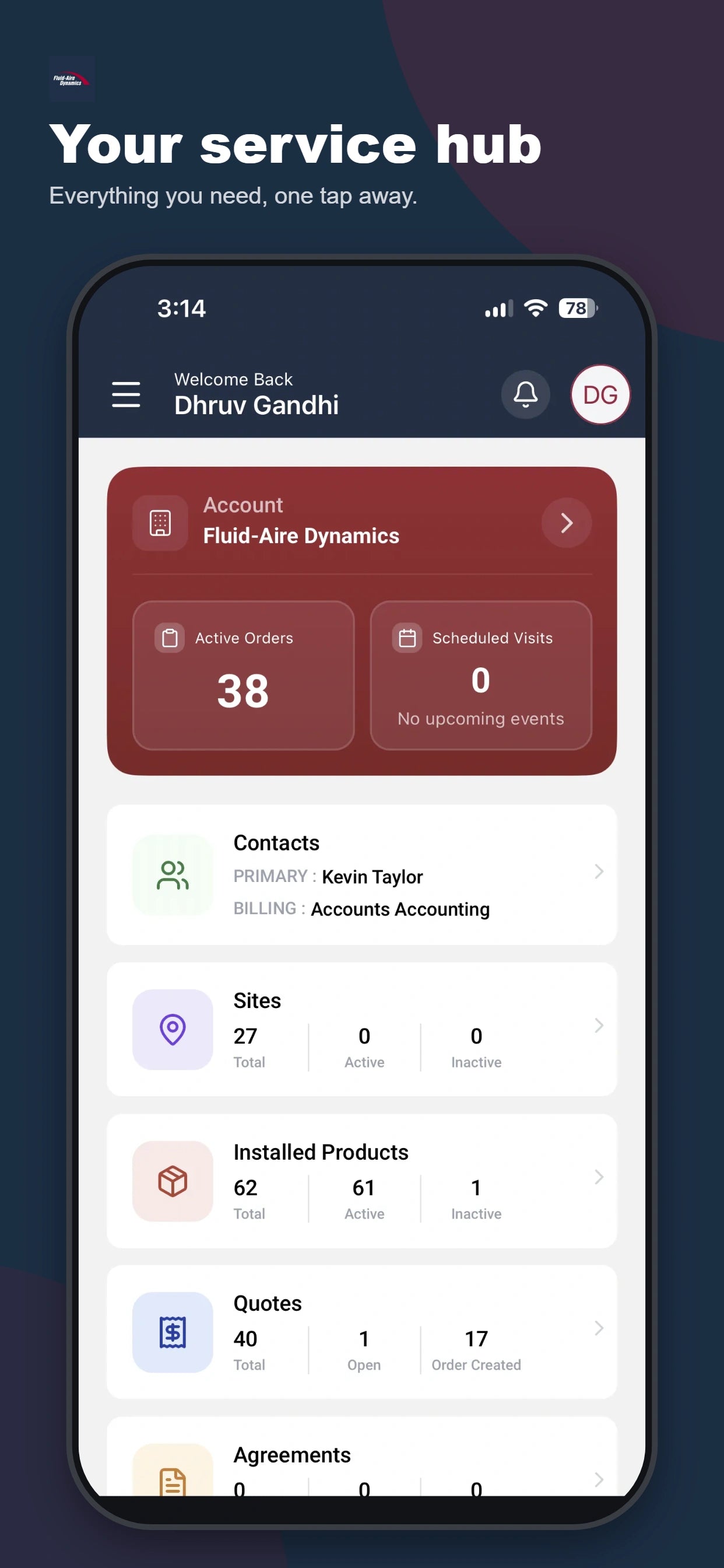
Send a service request from the app, with your equipment and site information close at hand.
THE FLUID-AIRE DYNAMICS APP
From your next service visit to the equipment at every site, keep your Fluid-Aire Dynamics account close at hand.


Register with the primary email you use with us.

CONNECTED TO YOUR SERVICE TEAM
The details you need to manage your compressed air service, organized around your equipment, your facilities, and your account.
Send a service request from the app, with your equipment and site information close at hand.
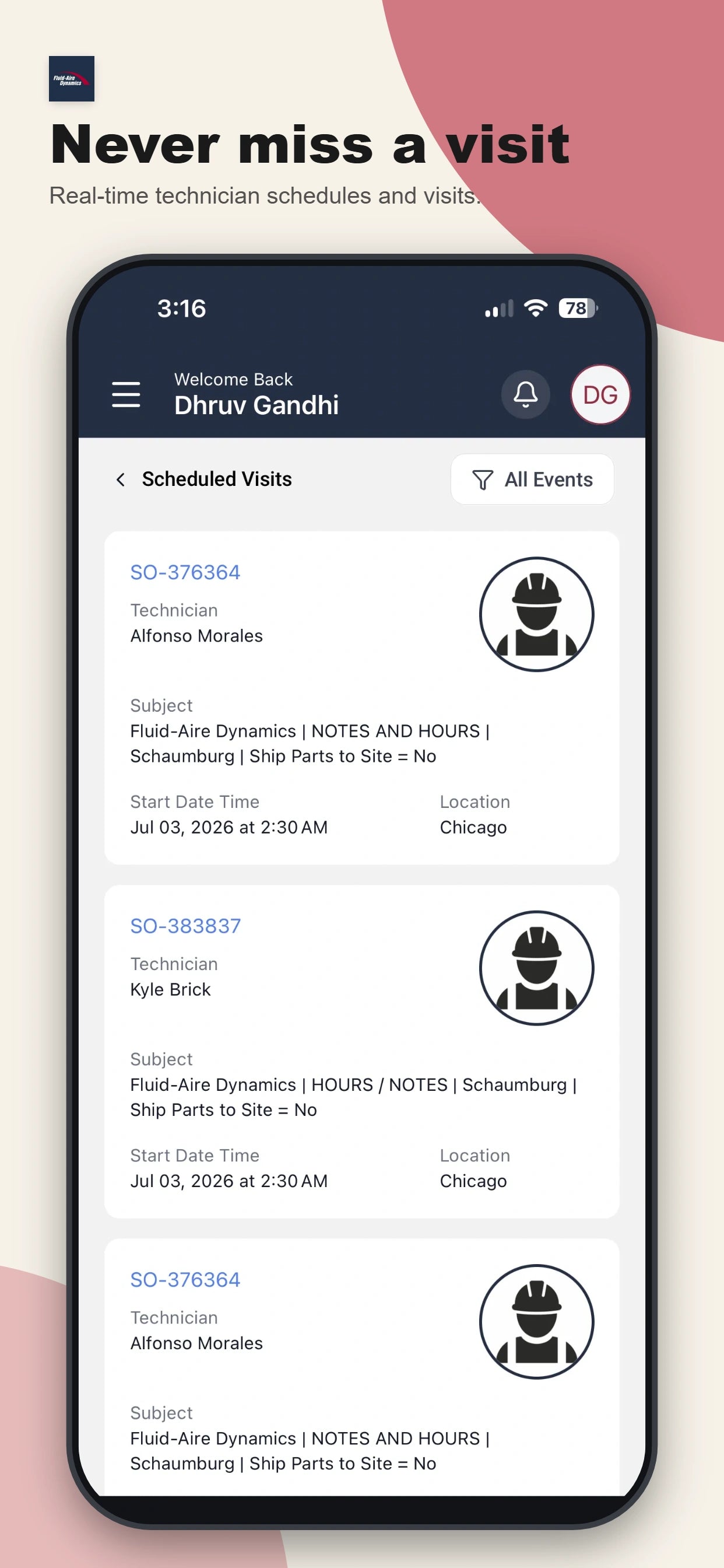
Check technician schedules and the date and time of upcoming visits to your facility.
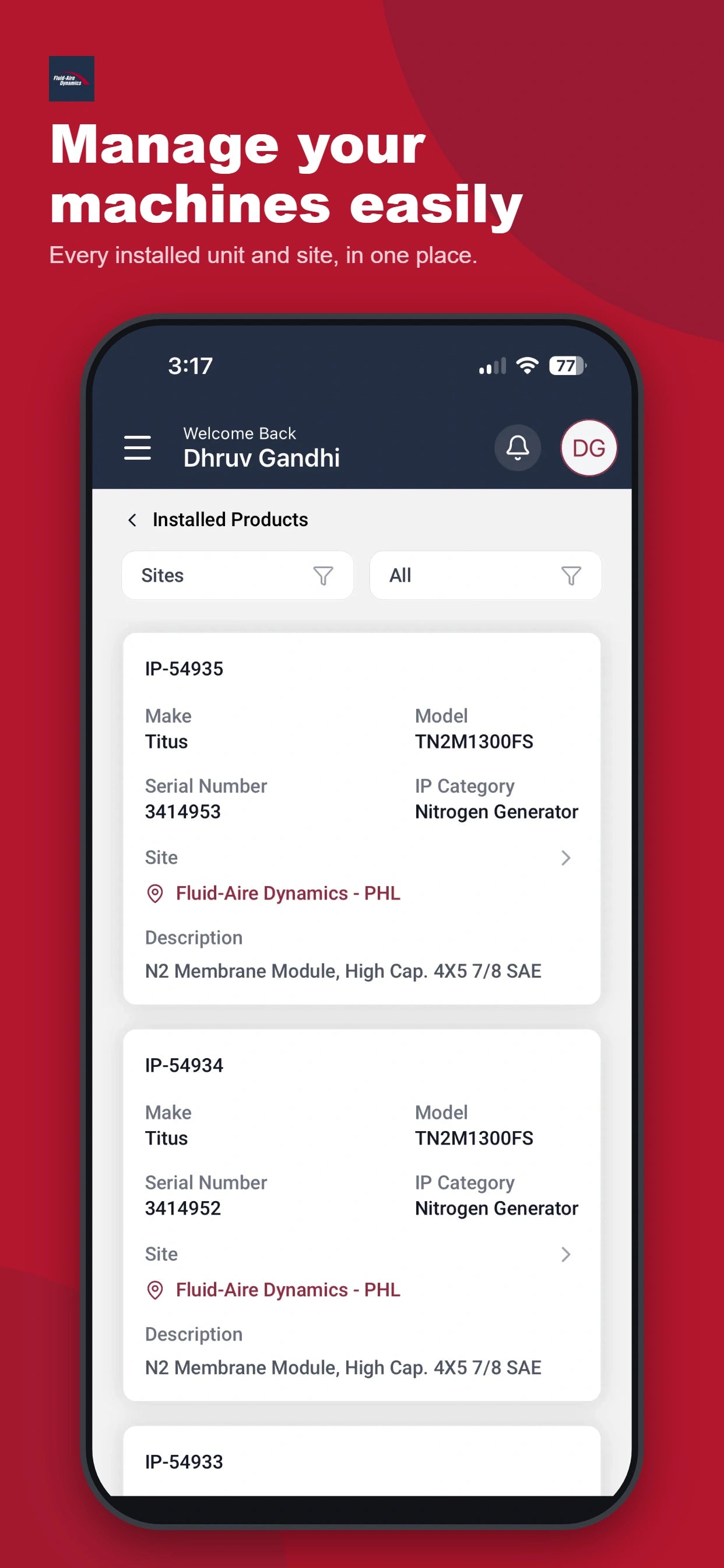
View installed units across your sites, so you can find the equipment information you need.
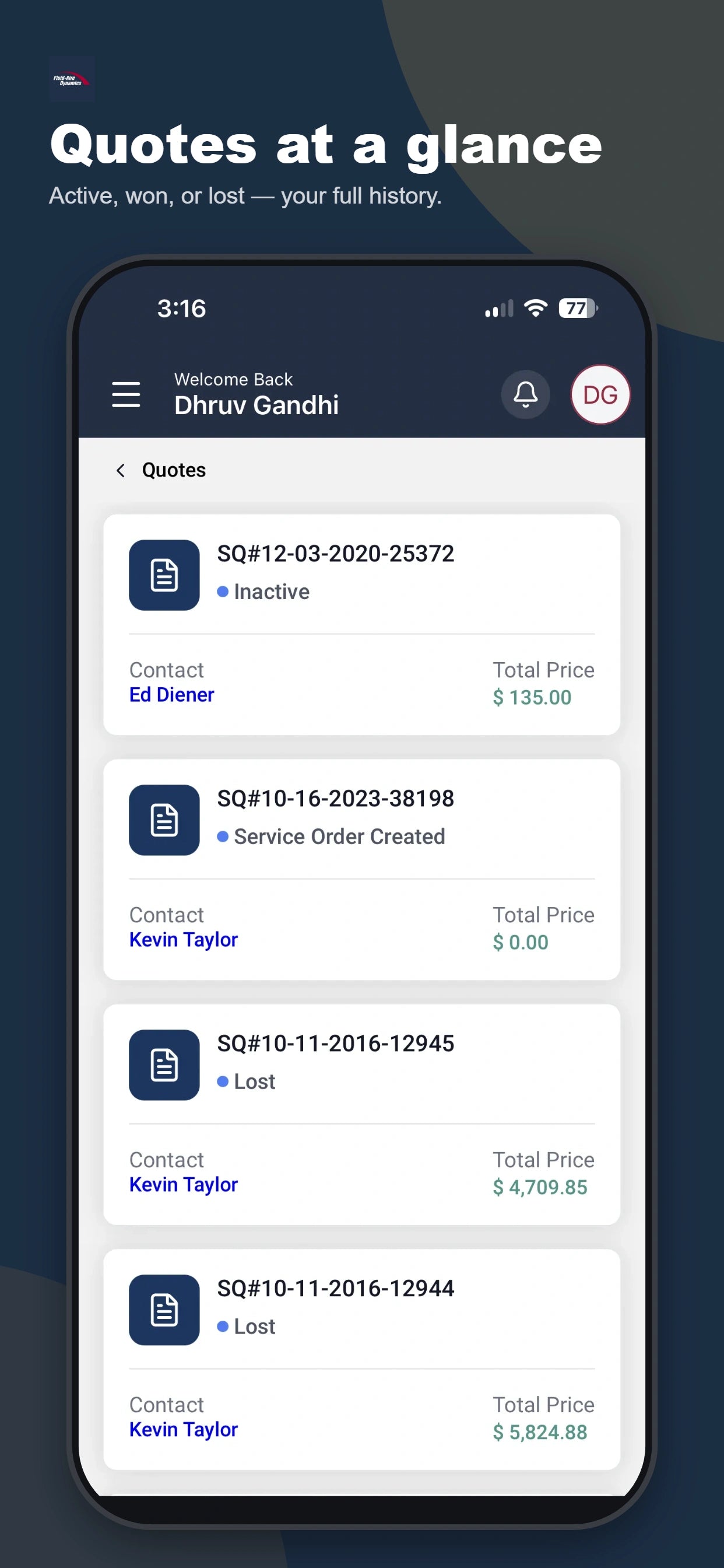
Keep track of quotes and orders without searching through separate email conversations.
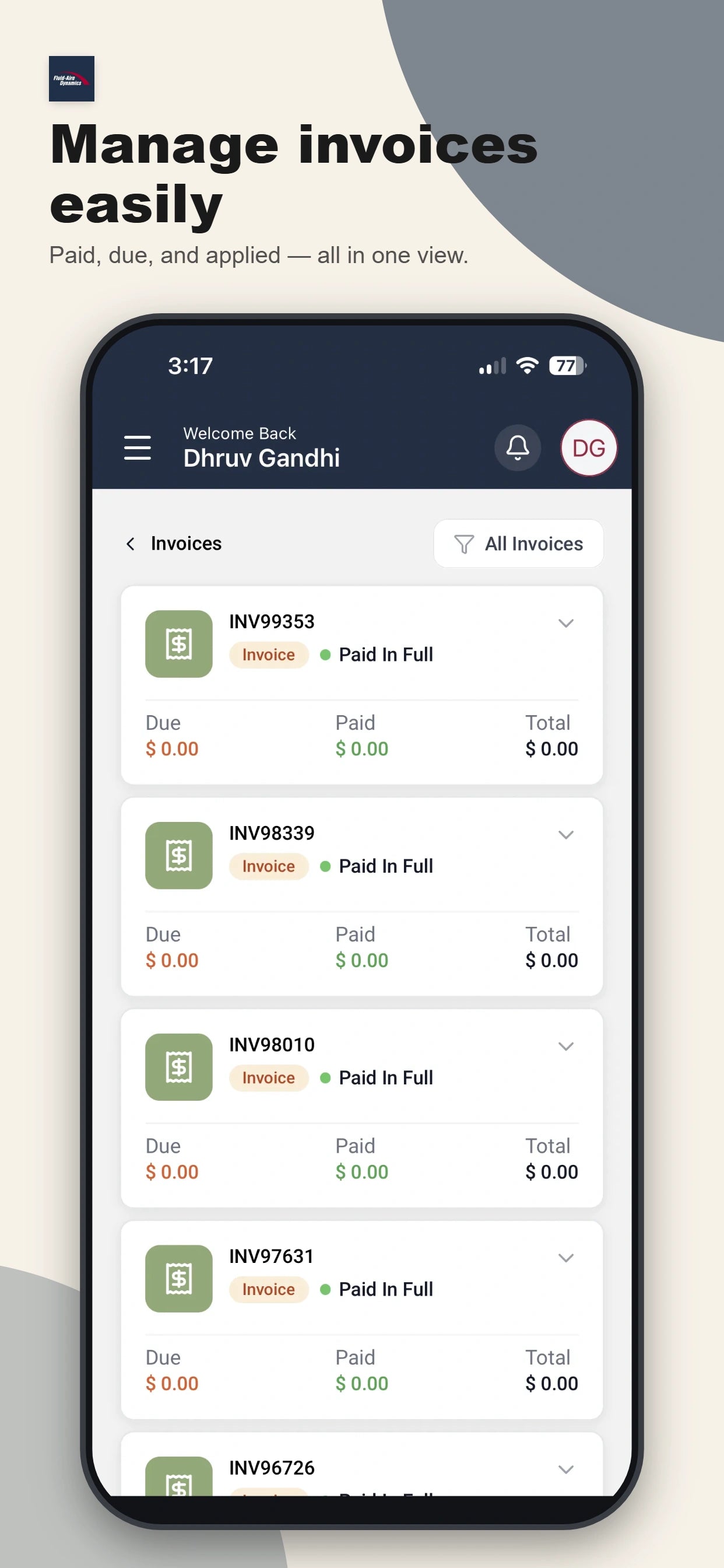
Review invoices, your account balance, payment status, and the cost of each service visit.
Keep your service plan details together in one place, alongside the rest of your account.
INSIDE THE APP
Check upcoming visits, find a quote, or review your installed equipment. Here is a look inside the Fluid-Aire Dynamics app.
GETTING STARTED
Already an Uptime360 or Uptime360+ member? Get started with the email address you already use with our team.
Need help? Contact your Account Manager or get in touch with our team.
Find Fluid-Aire Dynamics in Google Play or the App Store.
Use the email address associated with your Fluid-Aire Dynamics account.
Once you have access, view your equipment, service information, quotes, orders, and invoices.
Talk with your Account Manager about a service plan for your facility and access to the Fluid-Aire Dynamics app.
The app is available exclusively to Uptime360 and Uptime360+ service-plan members.
Use the primary email address associated with your Fluid-Aire Dynamics account. If you are unsure which email to use, contact your Account Manager.
Yes. Download the Fluid-Aire Dynamics app from Google Play for Android or the App Store for iPhone. Check your store listing for device compatibility.
Yes. The app lets you manage installed equipment across your sites.
Contact your Fluid-Aire Dynamics Account Manager for help getting started.
Ask your Account Manager about Uptime360 and Uptime360+ service plans. If you are new to Fluid-Aire Dynamics, contact our team to discuss your facility.
BUILT AROUND YOUR SERVICE
Available to Uptime360 and Uptime360+ members.